Graphic tutorial: Ten minutes to load Claude Code with “design taste” and run out of the first landing page that doesn't look like AI图文教程:十分钟给 Claude Code 装上「设计品味」,跑出第一个不像 AI 写的落地页
Then do it again: confirm the Node and browser environment in one of → three ways Install → taste-skill Write a qualified design requirement and → let it self-test three turns to produce a finished page. You don't need an API key, you don't need to install design software, you just need a computer with Chrome installed.
跟着做一遍:确认 Node 和浏览器环境 → 三种方式任选一种安装 taste-skill → 写一份合格的设计需求 → 让它自检三轮流出一个成品页。全程不需要 API key,也不需要装设计软件,你只需要一个装了 Chrome 的电脑。
Step 1: Bring the two prerequisites together第一步:把两个前置条件凑齐
Node.js 22 or later: Run node -v confirmation in the terminal, and the skill check script runs on it.
Either Chrome, Edge or Chromium is installed on the machine: the real browser self-test is the core part of this set of skills, and it can't run without a browser.
You do not need an API key, and you do not need a network service account; only the network is required for the diagram finding link.
Node.js 22 或更高版本:终端里跑 node -v 确认,技能的检查脚本靠它运行。
本机装有 Chrome、Edge 或 Chromium 任意一个:真实浏览器自检是这套技能的核心环节,没有浏览器它跑不起来。
不需要 API key、不需要联网的服务账号;只有找图环节需要网络。
Step 2: Choose one of three installations第二步:三选一安装
General directions (for any agent): npx skills add https://github.com/Leonxlnx/taste-skill --skill "design-taste-frontend".
Claude Code plugin route:/plugin marketplace add Leonxlnx/taste-skill, then/plugin install taste-skill @ taste-skill. The skill is named after the taste-skill: prefix and will not contaminate your existing commands.
Want to follow up on the upstream update: run after the git clone repository./install.sh, it hangs the skill in Claude Code with a soft link, and git pulls it to complete the upgrade later.
通用路线(任何代理都行):npx skills add https://github.com/Leonxlnx/taste-skill --skill "design-taste-frontend"。
Claude Code 插件路线:/plugin marketplace add Leonxlnx/taste-skill,然后 /plugin install taste-skill@taste-skill。装完技能以 taste-skill: 前缀命名,不会污染你已有的命令。
想跟进上游更新:git clone 仓库后跑 ./install.sh,它用软链接把技能挂进 Claude Code,以后 git pull 一下就完成升级。
Step 3: Write a demand that inspires good design第三步:写一份「能激发好设计」的需求
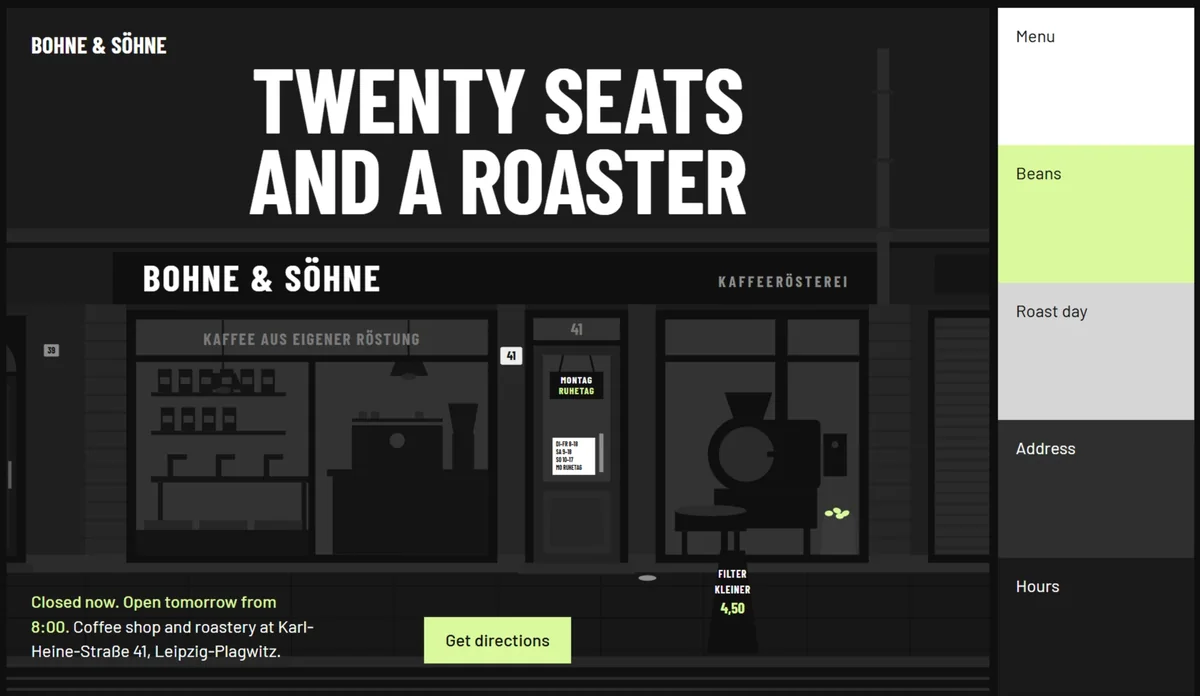
Saying "help me make a coffee shop website" directly will get mediocre results. Qualifying requirements should be clear: who the customer is, what materials others do not have (old photos, menus, store addresses), what emotions you want to convey.
For example: "Give me a one-page official website for a café in Berlin that has been converted from an old power plant. Attach this old photo of a 1920 factory building and weekend market information. The temperament should be industrial but warm.” - both material and emotion.
The skill will pick three of the 20 research directions for you to choose from, and then twist your material and direction into a sentence "idea", which is the anchor of the whole page design.
直接说「帮我做个咖啡店官网」会得到平庸结果。合格的需求要说清:客户是谁、有什么别人没有的素材(老照片、菜单、门店地址)、想传达什么情绪。
比如:「给我柏林一家由旧发电厂改的咖啡馆做单页官网,附上这张 1920 年厂房老照片和周末市集信息,气质要工业但温暖。」——素材和情绪都有了。
技能会从 20 个研究方向里抽三个供你选,选完它再把你的素材和方向拧成一句话的「主意」,这就是整页设计的锚点。
Step 4: Watch it self-test until it passes第四步:看它自检,直到合格为止
During the construction process, it opens a real browser and checks by taking three width screenshots of desktop, tablet, and mobile phone; bumping into the "AI smell" in the rule library (insufficient contrast, font abuse, card cover cards, etc.) directly determines that it is unqualified.
Then it looked at its own screenshots to fix the top three questions, up to three rounds. All you need to do is finalize the acceptance.
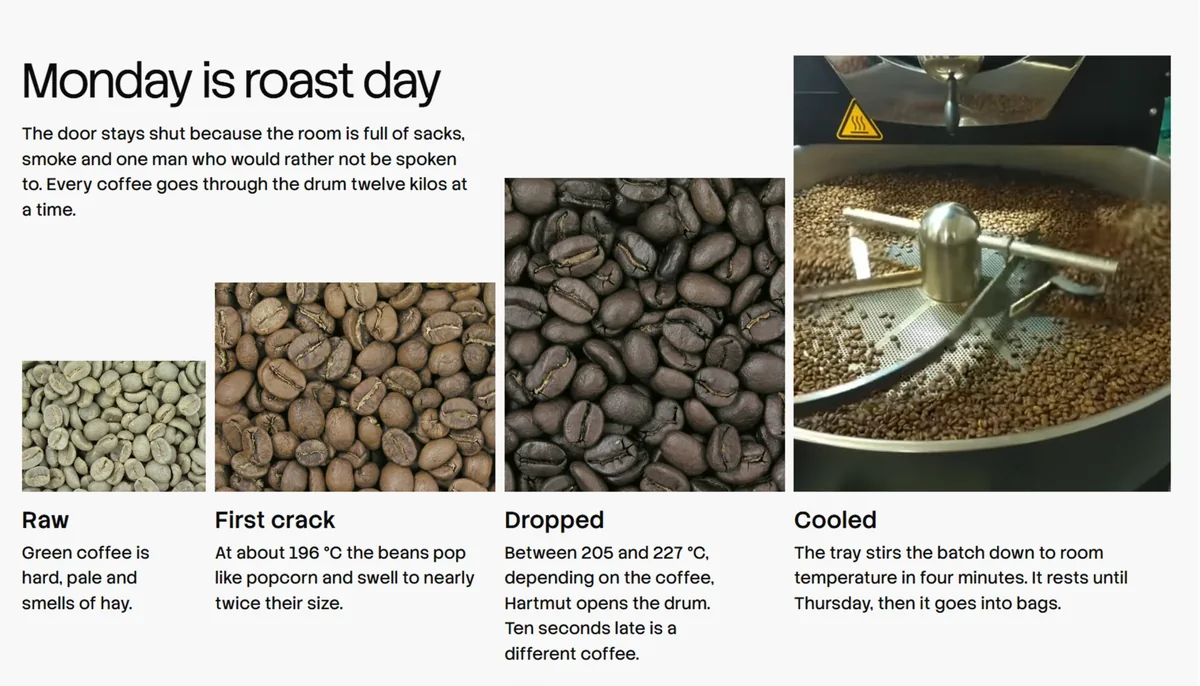
Reminder: build about 30–45 minutes, hundreds of thousands of tokens at a time, don't use it for bulk water pages, use it for the one that is really going online. The drawings are from the open gallery and are automatically signed, making it safer to replace them with your own before commercial use.
构建过程中它会打开真实浏览器,按桌面、平板、手机三种宽度截图检查;撞到规则库里的「AI 味」(对比度不足、字体滥用、卡片套卡片等)直接判不合格。
然后它看自己的截图修前三名问题,最多三轮。你只需要在最后验收。
提醒:一次完整构建约 30–45 分钟、几十万 token,别拿它批量水页面,用在真正要上线的那一个上。配图来自开放图库且自动署名,商用前换成自己的素材更稳妥。
Problem Encountered遇到问题
Scripting browser not found: make sure that Chrome/Edge is in the default path, or set the environment variable to specify the executable file; skill does not trigger: start a new session or directly call "Do with taste-skill...". See the download button above for the companion source code package for this article.
脚本报浏览器找不到:确认 Chrome/Edge 在默认路径,或设环境变量指定可执行文件;技能没触发:新开会话或直接点名「用 taste-skill 做…」。本文配套源码包见上方下载按钮。
想马上用起来?去「AI工具」栏挑一个直接下载,或在「AI教程」里跟着图文步骤做一遍。
去 AI工具 → 看 AI教程 →阅读与点赞数据保存在你的浏览器本地,欢迎留下你的想法。
 今日正能量学一点,用一点;今天种下的种子,会长成明天的能力。去免费下载专区 →广告
评论 文明发言,让讨论更有价值