Context Mode: Save 98% of context for AI programming assistant (MCP plug-in)Context Mode:给AI编程助手省下98%的上下文(MCP插件)
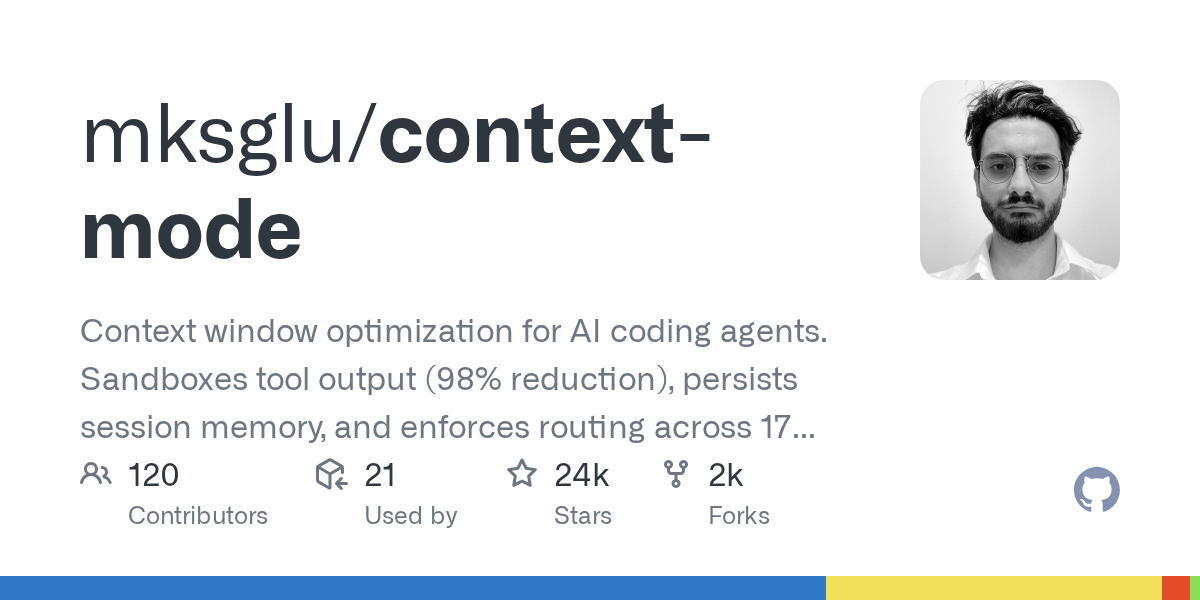
In the middle of the conversation, the AI "loses its memory" and forgets which file it just modified? Context Mode blocks the tool output into the sandbox process at the MCP protocol layer, and the original data does not enter the context window. According to official tests, it can reduce the usage by 98%, and it once topped the list of Hacker News.
聊到一半AI就"失忆",忘了刚改过哪个文件?Context Mode 在 MCP 协议层把工具输出拦进沙箱子进程,原始数据不进上下文窗口,官方实测能削减 98% 的占用,曾冲上 Hacker News 榜首。
Why does context explode?上下文为什么会爆掉
Asking the AI assistant to capture a web page snapshot may consume more than 50 KB of context; reading twenty issues consumes nearly 60 KB. Within half an hour, the window was full.
Once compression is triggered, the AI will forget which files have been modified before and what errors have been reported, so you can only repeat the requirements over and over again, and the efficiency drops off a cliff.
The root of the problem is not in the model, but in the architecture of "all raw data pouring into the context".
让AI助手抓一次网页快照,可能就要吃掉五十多 KB 的上下文;读二十个 issue 又是将近六十 KB。半小时不到,窗口就被塞满了。
一旦触发压缩,AI 就会忘掉之前改过哪些文件、报过什么错,于是你只能一遍遍重述需求,效率断崖下跌。
问题的根子不在模型,而在"原始数据全部涌进上下文"这个架构。
How to save 98%?它怎么做到省98%
Context Mode intercepts at the MCP protocol layer: the original data returned by the tool remains in the sandbox process, and only the short summary that the AI really needs enters the context window.
At the same time, it persists the session memory, hangs hooks on supported platforms, and performs forced routing and interception before and after the tool is called.
The result is: for the same long task, the context occupation is greatly reduced, and the AI still remembers the previous conclusions in the middle and later stages.
Context Mode 在 MCP 协议层做拦截:工具返回的原始数据留在沙箱子进程里,只有AI真正需要的那一小段摘要进入上下文窗口。
同时它把会话记忆持久化保存,并在支持的平台上挂上钩子(hooks),在工具调用前后做强制路由与拦截。
结果就是:同样一次长任务,上下文占用大幅下降,AI 在中后段仍然记得住之前的结论。
Installation and activation安装与启用
Click the green button below to download the npm plugin package (1.11MB), which is essentially a standard npm package.
Install it in the project directory, or register it directly as an MCP server (the commands for different clients are slightly different, and the instructions in the package have corresponding writing methods).
Enable it in the MCP settings of your AI programming tool, then restart the client.
Just work normally in the new session, there is no need to change your questioning habits; if you want to verify the effect, you can observe whether the AI still remembers the previously modified files after a long task.
点下方绿色按钮下载 npm 插件包(1.11MB),它本质上是一个标准 npm 包。
在项目目录里安装它,或直接把它注册为 MCP 服务器(不同客户端命令略有差异,包内说明有对应写法)。
在你的AI编程工具的 MCP 设置里启用它,然后重启客户端。
新会话里正常干活即可,不需要改变你的提问习惯;想验证效果可以观察长任务后AI是否还记着前面改过的文件。
Notes使用提醒
This article is compiled from public sources and ships with the matching resource. Product features and pricing are subject to the official page. Resources are for learning and exchange only — please respect the original license.
本文整理自公开资料并附上配套资源;涉及产品的功能与价格以官方页面为准。资源仅供学习交流,请遵循来源许可。
⬇ Download · 点击下载:Context Mode v1.0.169 · MCP 插件包(npm tgz)(1.11MB)
取自 npm 官方仓库的正式发布包,兼容 Claude Code、Gemini CLI、VS Code 等 MCP 客户端。
阅读与点赞数据保存在你的浏览器本地,欢迎留下你的想法。
 今日正能量学一点,用一点;今天种下的种子,会长成明天的能力。去免费下载专区 →广告
评论 文明发言,让讨论更有价值